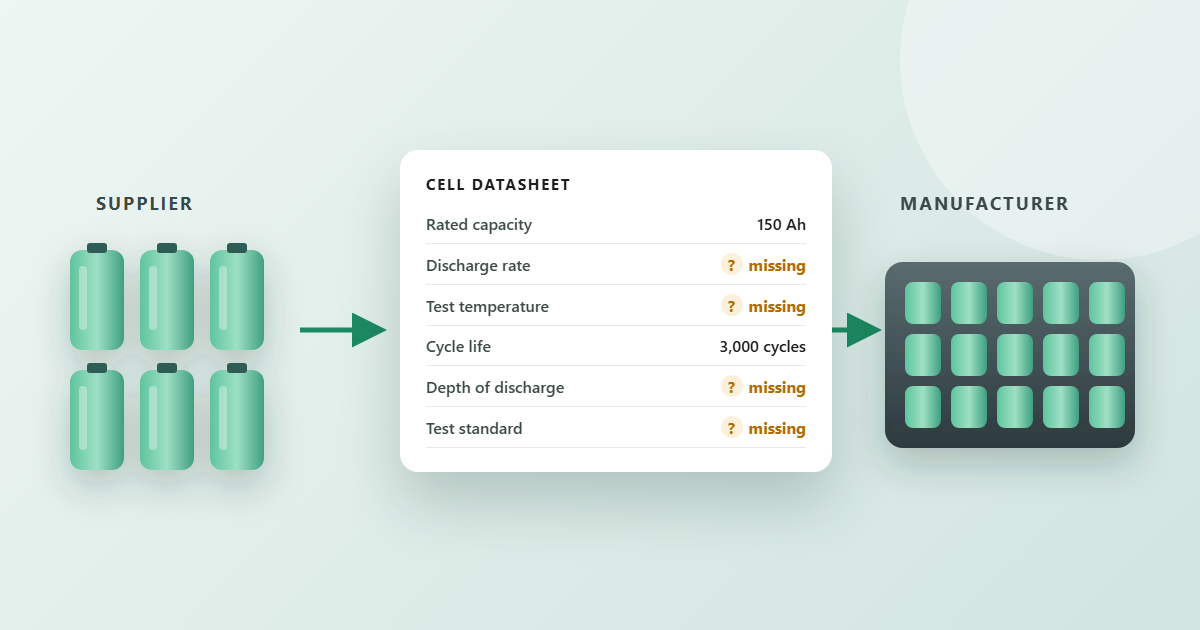

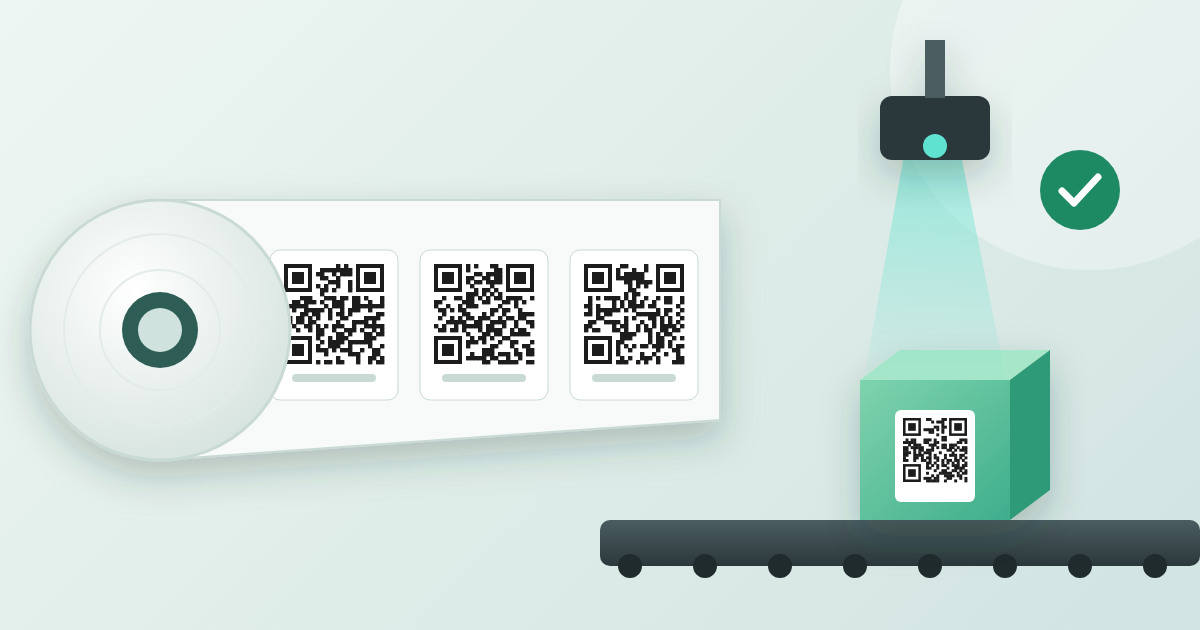
What if manufacturers could print thousands of Digital Product Passport QR codes before knowing which products they will be attached to?
One of the challenges of implementing Digital Product Passports (DPPs) is fitting product identification into existing manufacturing processes. Traditionally, a product-specific QR code needs the product model, batch number, production date and other manufacturing details before the label can be printed.
There is a more flexible approach: pre-printed QR code labels that carry a unique identifier, which is linked to the product information later in the manufacturing process. It simplifies labelling, reduces the need for printing equipment on every line, and lets manufacturers automate DPP creation step by step.
1. Print the QR code now, link the product data later
A Digital Product Passport does not require the product model, production date or batch number to be encoded in the QR code. Under the Ecodesign for Sustainable Products Regulation (ESPR), the passport must be "connected through a data carrier to a persistent unique product identifier" (Article 10(1)(a)), a unique string of characters that also enables a web link to the passport (Article 2(30)). The data itself lives in the passport, not in the code.
The key principle is simple: the QR code identifies the physical product, and the digital record behind it holds the product information.
When the label is printed, no product model, production order or batch has to be assigned to its identifier yet. A manufacturer can keep one stock of pre-printed serialised labels and use it across product lines. The product information is linked to the identifier later, through activation.
Which identifier to print
The identifier must be globally unique, persistent and never reused. The data carrier and identifier have to follow the standards listed in Annex III of the ESPR, built on the ISO/IEC 15459 series, and the harmonised European standards EN 18219 (unique identifiers) and EN 18220 (data carriers), cited in Commission Implementing Decision (EU) 2026/1736. In practice there are two main options:
- The product line is known when labels are printed. Use a GS1 Digital Link URL with a GTIN and a serial number, for example
https://id.example.com/01/{GTIN}/21/{serial}. Activation then links the serial number to the batch and production data. - Labels must work for any product. Use an identifier issued under an ISO/IEC 15459 issuing agency scheme that does not depend on the product, for example
https://id.example.com/{issuer-prefix}{unique-ID}. At activation, the identifier is linked to the product's GTIN and batch or serial number in the resolver and the passport.
Note that GS1 keys for products start from the GTIN: a GS1 serial or batch number always belongs to a GTIN. The GS1 asset identifier (GIAI) is not an option for products sold to customers; the GS1 General Specifications state that it identifies a physical entity as an asset and "must not be used for other purposes". The ESPR also foresees rules for companies that want to create their own identifiers without an issuing agency (Article 12(4)(b)). Check the delegated act for your product group, and speak to your issuing agency, before choosing a scheme.
2. Three ways to activate pre-printed DPP labels
Manufacturers can choose an activation method that fits their production environment, automation level and IT systems.
Option 1: Automatic activation through MES or ERP integration
With a Manufacturing Execution System (MES) or Enterprise Resource Planning (ERP) system, activation becomes part of the existing production workflow. Once a product is made and its label identifier is linked to the production order, the MES sends the relevant information to the DPP platform through an API or a structured data exchange, for example:
- the unique identifier on the label;
- the product model or reference;
- the production order and batch number;
- the date and site of manufacture;
- other product-specific production data.
The DPP platform links the identifier to the right product data and creates or updates the digital record.
Main advantage: activation becomes part of the existing data flow, with little extra work for operators. A reliable link between the label identifier and the MES production record is essential.
Option 2: Automated activation with industrial cameras or scanners
An industrial QR code reader or vision system is installed at a fixed point on the line. Once the label is applied, the camera reads the identifier as the product passes. The identifier goes to the DPP platform, directly or through the MES, and is combined with the production context: the active production order, model, batch or timestamp.
Main advantage: high-volume lines activate identifiers without anyone scanning products by hand. This requires reliable synchronisation between the scanned identifier and the right production record, and a process for unreadable or missing labels.
Option 3: Manual activation by production operators
Without MES integration or automated scanning, a simple operator workflow works. After applying the label, the operator scans the QR code with a smartphone, tablet or handheld scanner. The scan opens an authenticated production interface where the operator selects or confirms the product model, batch or production date. Once validated, the identifier is linked to the digital record. Several labels that share the same production data can be scanned and activated together.
Main advantage: little infrastructure and quick to deploy, which suits smaller production sites and first DPP projects.
3. One labelling approach for batch- and item-based DPPs
The same pre-printed labels support different levels of passport granularity. Under the ESPR, the data "shall refer to the product model, batch or item as specified in the delegated act" for each product group (Article 10(1)(f)).
- Item-level DPP. Each product gets its own identifier and its own passport, which supports individual traceability, lifecycle information and product-specific updates.
- Batch-level DPP. Products from one production batch share a batch-level dataset. Manufacturers can either print a common batch identifier, or give every product its own serialised label that resolves to the same batch information. The second option keeps individual identification while sharing one batch-level data model.
What this means for batteries
The battery passport under the Batteries Regulation (EU) 2023/1542 is item-level: from 18 February 2027, each LMT battery, each industrial battery above 2 kWh and each electric vehicle battery "shall have an electronic record" containing information on the model and "information specific to the individual battery" (Article 77(1) and (2)). It is reached through the QR code linked to a unique identifier that the economic operator attributes to the battery (Article 77(3)). Pre-printed serialised labels fit this well: each battery gets a unique label, activated with its own data. Portable, SLI and small industrial batteries need no battery passport, but their QR code must still lead to production data such as the manufacturing plant and date; read more in our article No Battery Passport Needed? You Still Need Digital Battery Data Behind the QR Code.
The granularity must always follow the rules for the product concerned. Individual identification does not mean that every unit needs its own complete passport.
4. From label activation to passport publication
Whatever the activation method, the workflow follows the same steps:
- Identifier generation: unique identifiers and their QR code URLs are generated under the chosen identification scheme.
- Pre-printing: labels are produced in advance and distributed to production sites.
- Label application: a label is applied to a product during or at the end of production.
- Activation and data linking: the identifier is linked to the production data through MES integration, automated scanning or manual activation.
- DPP creation: the platform combines company, model, batch and, where applicable, item data into the digital record.
- Validation and publication: the passport is reviewed, validated and published under the applicable rules.
Activation and publication can be separate steps: an identifier can be registered during production while its passport stays in draft until all required information is validated. But the passport must be complete before the product reaches the market. Under the ESPR, products "can only be placed on the market or put into service if a digital product passport is available" (Article 9(1)), and the economic operator uploads the unique identifiers to the EU DPP registry (Article 13). Unused labels are never registered, and their identifiers must never be given to another product.
5. Why consider pre-printed DPP labels?
- Simpler label management: generic serialised labels work across models and production orders.
- Less printing infrastructure: no variable-data QR printer needed on every line.
- Flexible rollout: start with manual activation and automate step by step with scanners or MES integration.
- Better production integration: existing ERP and MES data fills the passport.
- Scalable traceability: one identification strategy for different products, factories and granularity requirements.
- Long-term flexibility: product information can change digitally without changing the physical code.
Pre-printing is not always the cheapest option. Compare label costs, inventory control, activation effort, scanner integration and platform costs against printing on demand. A robust setup also handles unused, damaged or duplicate labels, prevents identifiers from being reassigned, and stops products from being released with incomplete mandatory passport information.
6. How GoodsTag supports pre-printed DPP labels
GoodsTag connects pre-printed QR codes with Digital Product Passports, however and whenever the labels are applied during production. The GoodsTag platform supports:
- generation and management of unique identifiers and QR code URLs;
- linking pre-printed identifiers to product models, batches and individual production records;
- integration with MES and ERP systems through APIs and data exchange;
- automated activation through industrial QR code readers;
- manual or grouped activation through operator interfaces;
- consolidation of company, product, production and regulatory information;
- creation, management and publication of passports with role-based access control.
By separating physical labelling from product data management, manufacturers can choose an identification strategy that fits their production rather than redesigning production around QR code printing. With GoodsTag, the QR code can be printed first. The product information can come later. The Digital Product Passport connects them.
Sources
- Regulation (EU) 2024/1781, Ecodesign for Sustainable Products Regulation, Articles 2, 9, 10, 12, 13 and Annex III
- Regulation (EU) 2023/1542 on batteries and waste batteries, Articles 13 and 77
- Commission Implementing Decision (EU) 2026/1736 on harmonised standards for digital product passports
- GS1 General Specifications
- GS1 Digital Link standard
This article reflects the legal situation as of 8 October 2026 and is not legal advice.